
Olivia, 12Creating a game in Unity
Black Friday
One full module of 2-hour lessons, instead of 470 EUR. For new and existing families.
See the offerIT-Senior · ages 11-14
In IT-Senior, students start working with the tools and programming languages used by developers. They build Android apps, code games with Python and Unity, create websites with HTML and CSS, explore AI and 3D design, and build a portfolio they can present with confidence.
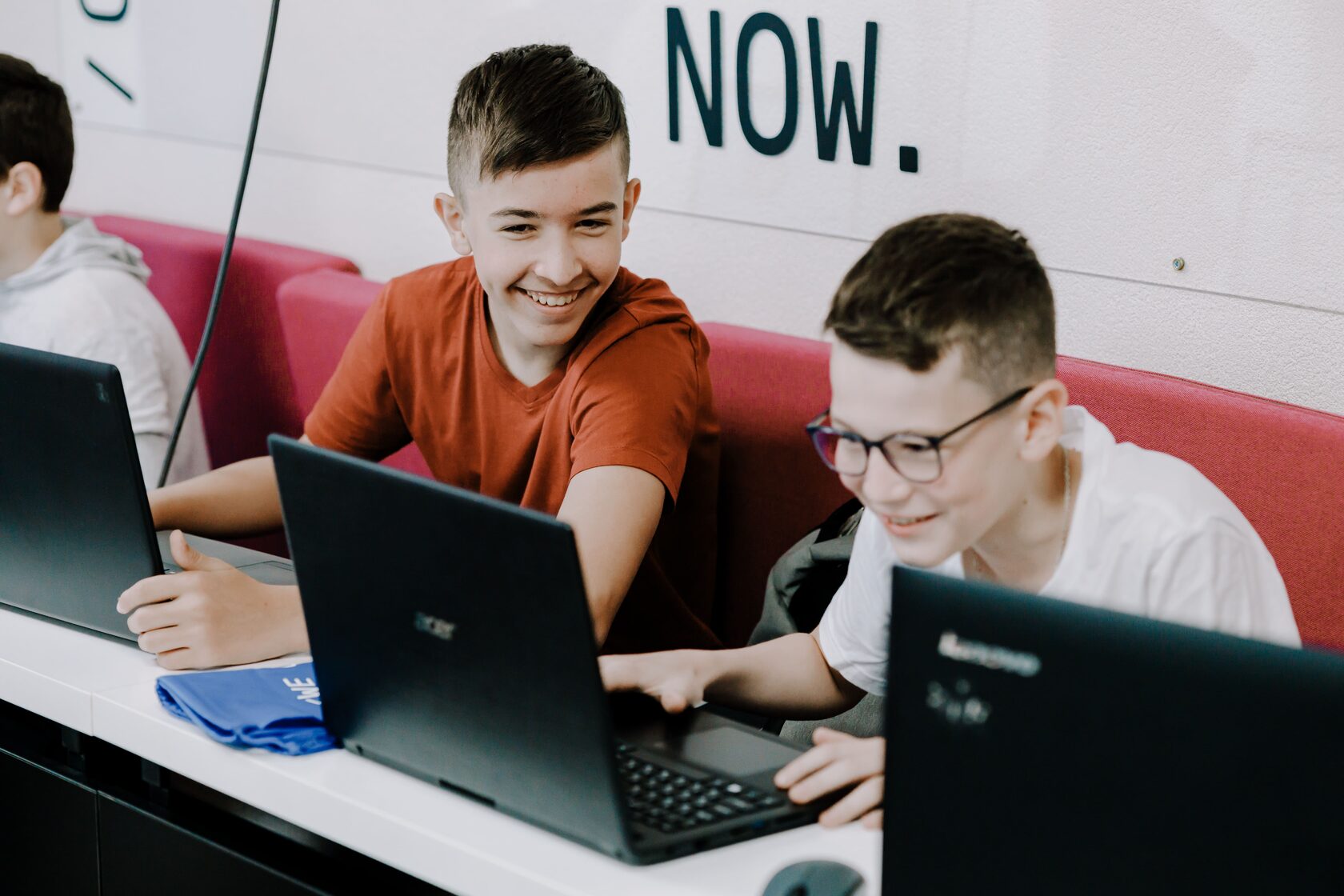
Students write games in Python and explore game development with Unity, bringing code, mechanics and graphics together. Finding and fixing problems builds logical thinking, patience and persistence.
Using App Inventor, they plan, build and test Android apps that run on a phone. Turning an idea into a working app develops independence, planning skills and confidence in presenting their work.
With HTML and CSS, students create web pages and decide how information should be structured. They learn to think about the user, communicate clearly and pay attention to detail.
By programming chatbots in Python, students explore how AI works and where its limits lie. This encourages curiosity, critical thinking and responsible use of technology.
Coding: sprites, animation, conditions and loops. Students create mini-games and interactive applications in Python, and build them up into complete game projects.
The module is built in App Inventor: screens, buttons, logic and testing. Everything made in it runs on the student’s own phone, and over the module students create more than ten Android applications.
The work is done in Photoshop and Illustrator. Students use them to create their own personal brand: logos, posters and business cards, prepared for print and collected in a mini brand book.
The module returns to Python, this time with TuringLab, and points it at the technology students already ask about. They train simple models, build chatbots of their own and experiment with AI technologies.
Spline runs in the browser. Students work with shapes, lighting, animation and whole scenes, and the module ends with a mini project for their portfolio.
The programme ends with a multi-page website of their own. Students build pages in Tilda, then go underneath them into the code, so structure, styling and design stop being someone else’s settings.
See what our IT-Senior students have created in class.
Olivia, 12Creating a game in Unity

Julia, 12Creating a chatbot in TuringLab

Liam, 11Mobile app in App Inventor

Sara, 11Logo design in Adobe Illustrator

Noah, 12Python game

Mila, 11Python game

Sophie, 11Unity game

Lucas, 12Python game
12 lessons per module · Three modules a year · No lessons during school holidays
See modules and lesson dates →Good to know
Choose the package that works best for your family. The more lessons you book, the lower the price per lesson.
Choose your package
Choose your group (day and time)
By signing up you accept our Terms and Conditions.
A module is 12 weekly lessons over three months. 4 lessons cost 165 EUR (495 EUR for 12 lessons). Paying a whole module in one go lowers the price per lesson.
The questions parents ask us most often.
Impact Academies Ghent offers technology courses for children and teenagers aged 4-17. The programme is divided into age-appropriate levels, from LEGO® Little Engineers for the youngest children to IT-Expert for teenagers.
We recommend a course based on your child’s age, experience and interests. Whether they enjoy games, robotics, design, artificial intelligence or programming, we will help you find the most suitable group.
No. Beginners are welcome. Children with previous experience can join a more advanced group after we assess their current knowledge and interests.
Depending on their age and course, students explore coding, robotics, game development, artificial intelligence, web development, graphic design, 3D modelling and digital literacy. They also develop communication, teamwork, creativity and presentation skills.
Our lessons are practical and project-based. Children learn by creating their own games, animations, websites, applications, robots and digital projects, not simply by listening to theory.
Classes are taught in both Dutch and English. English is especially important in technology, so children naturally develop their language skills while learning IT. At the same time, every child can ask questions and receive support in whichever language feels most comfortable.
Classes take place once a week, and each lesson lasts two hours. The exact day and time depend on the group you choose. There are no lessons during the Flemish school holidays.
Our groups are small: a maximum of 8 or 10 children, depending on the group, so every child gets support and personal attention.
All equipment needed for the chosen course is included in the price, including laptops, tablets, robots and LEGO®.
We are very aware of children’s screen time, and this is exactly why we created these courses: to help children learn how to build with technology, not just consume it. Lessons combine focused computer work with teamwork, creative exercises, presentations, energising activities and other screen-free moments.
Yes, you can book a trial lesson so your child can meet the teacher and future classmates, explore what we do, and see how they can create their own project using technology.
Yes, joining after a course has started is possible. Contact us so we can evaluate the options and find the most suitable group for your child.
Parents and children have access to their own online account. Children can view study materials and homework and track their projects, while parents can follow their child’s progress.
Please let us know as early as possible. We will reschedule the lesson, or we add the missed lesson to your package. For example, if your child misses one of the 12 lessons of a module, you get one extra lesson in the next module.
Please contact us before registration and tell us about any learning, health or accessibility needs that may affect participation. We will discuss what support may reasonably be provided and whether the selected group is suitable.
Leave your details and we will get back to you by phone, WhatsApp or email to answer your questions and help you choose. We can also book a trial lesson for your child.
We use your details only to answer your questions. Privacy policy.